Chap 'n' Clips
A downloadable tool for Windows
Make your clips chap-friendly! 🎬
Don't let your memories and collections get lost in a mess of files.
You’ve done the hard work of backing up your media to save it forever—whether it’s gameplay highlights, precious family albums, hobby collections, reference footage, or archiving DVD/BD content before the discs degrade.
But now you face a new problem:
- "I want to merge these split files into one neat video, but I can't find a tool that keeps the chapter points!"
- "When I tried merging them with other software, all my chapter info disappeared!"
- "I wish I could easily edit the chapter names to organize them better..."
Chap 'n' Clips is the answer you've been looking for. It is a specialized tool designed to merge your video files while preserving, editing, and organizing chapter information seamlessly.
🎯 Perfect for...
- 🎮 Gamers: Combine split recording sessions into one longplay video while keeping stage/match markers.
- 📼 Archivists: Merge backed-up DVD/BD chapter files into a single MKV/MP4 without losing the original scene jumps.
- 👶 Family Archives: Stitch together short clips of your children or pets into a yearly album with proper event titles.
- 📚 Collectors: Organize reference materials and hobby footage into a single, easy-to-navigate file.
✨ Key Features
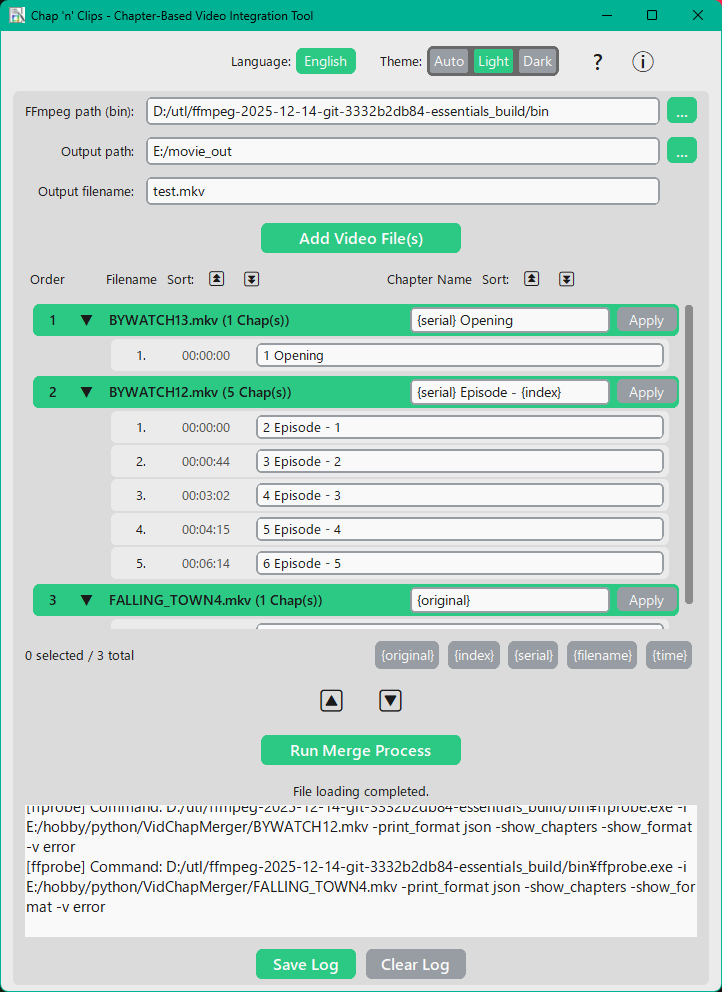
- 🛡️ Chapter Preservation & Editing Merge multiple video files into one without stripping away original chapter metadata. Unlike other tools, you can also rename chapters and reorder them before merging.
- 💡 Intelligent Timestamp Adjustment Automatically offsets chapter timestamps for subsequent videos. Merged chapters land exactly where they should be, with zero manual calculation.
- ⚡ Lossless Quality (No Re-encoding) Powered by FFmpeg, this tool performs a "stream copy" merge. This means your video and audio quality remains 100% untouched with no degradation, and the process is lightning fast.
- 📝 Powerful Batch Renaming Rename chapters easily using smart templates. Use tags like
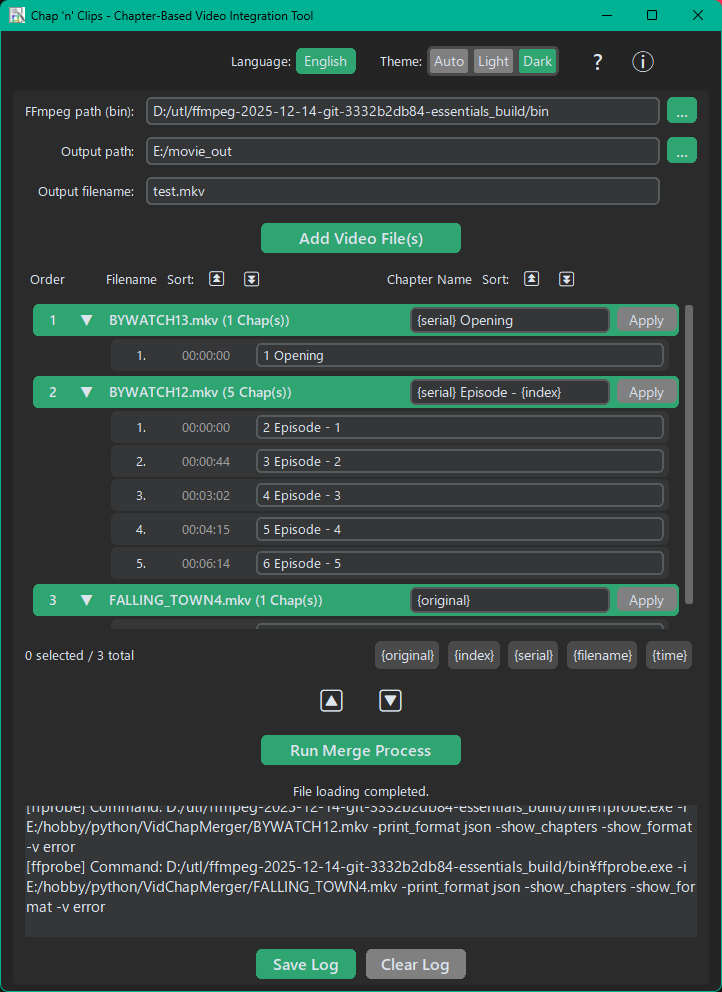
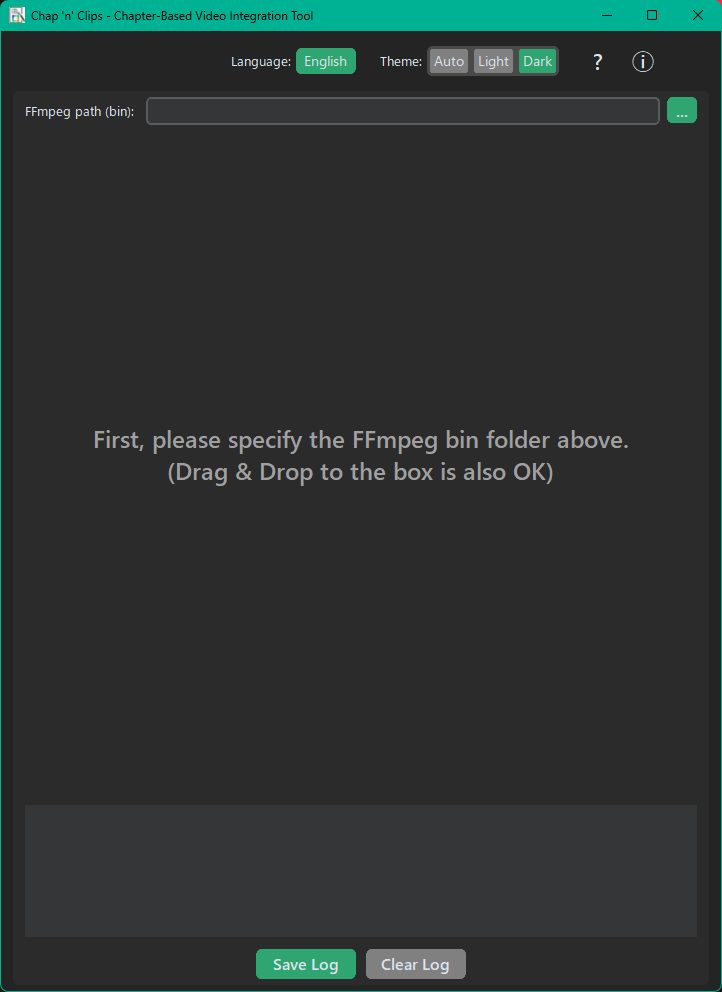
{original},{index},{filename}, or{time}to automatically generate clean, organized chapter titles for the entire list. - 🎨 Narrative & Modern UI A clean, step-by-step interface guides you through the process. Supports Dark Mode, Light Mode, and Drag & Drop operations.
- 🌍 Multi-Language Support Fully localized in 9 languages: English, Japanese, Chinese (Simplified/Traditional), Korean, German, Spanish, French, and Portuguese.
🛠️ Technical Requirements
- OS: Windows 10 / 11 (64-bit)
- Supported Formats: mp4, m4v, mkv, mov, webm, avi
- Dependency: FFmpeg is required.
- This software acts as a smart GUI for FFmpeg.
- FFmpeg is not bundled with the download.
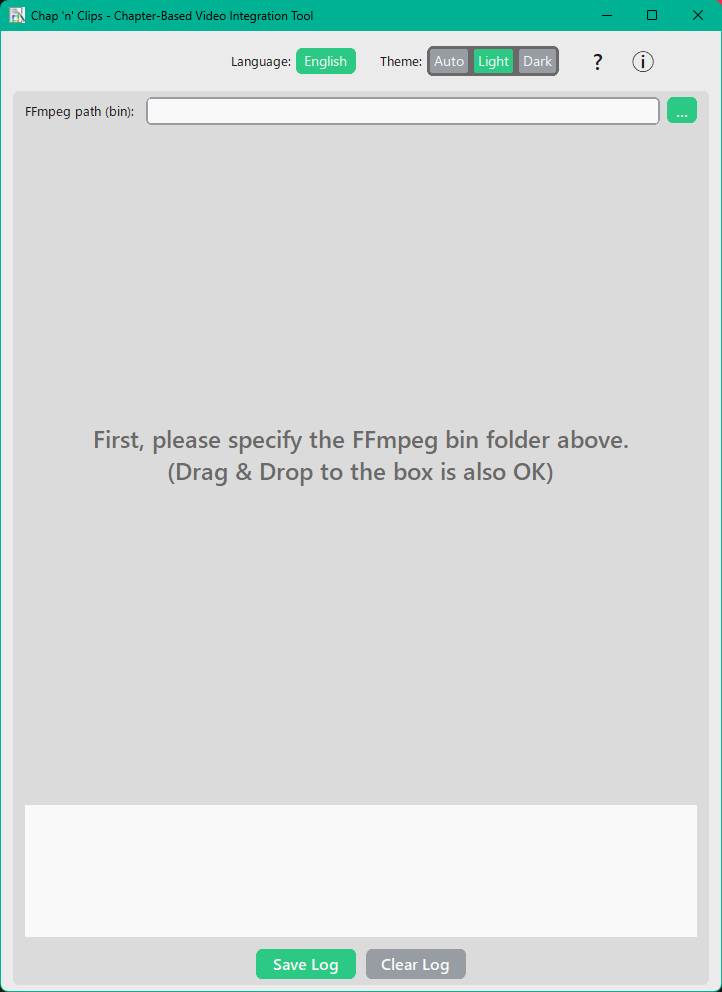
- How to use: Simply download "ffmpeg-release-essentials.zip" (from gyan.dev or BtbN), unzip it, and drag & drop the
binfolder into the app.
📦 Installation
Portable / No Installation Required. Just unzip the downloaded archive and run ChapnClips.exe. (Settings are automatically saved to a local JSON file, making it easy to reset if needed.)
☕ Support the Developer
This tool is available for free, but if it solved your "missing chapter" headache, please consider buying me a coffee (naming a fair price) when you download! Your support helps me maintain this tool and create new ones.
Make your clips chap-friendly today!
Download
Click download now to get access to the following files:
Leave a comment
Log in with itch.io to leave a comment.